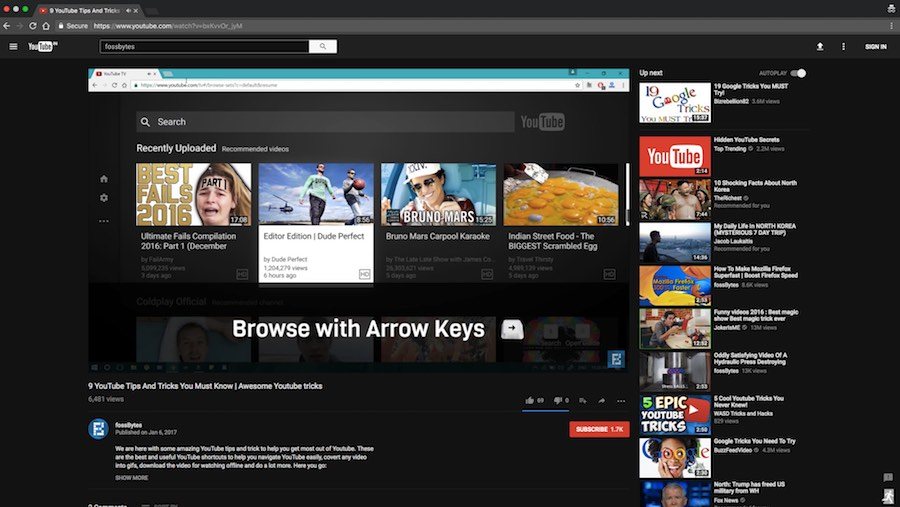
YouTube is
world’s largest video sharing platform.
Billions of videos are watched every day on this Google service.
Sometimes we need to convert such a video into an animated gif image.
There are benefits of doing so. You can easily embed a gif in a web page
or an MS Word document. gif's
.com provides a brilliant service
that automatically converts a YouTube video into a gif. All you need to
do is to provide the YouTube URL.
For example, the following YouTube URL hosts an interview of Lalit Kumar:
https://www.youtube.com/watch?v=LIgRmdJMgl4
To convert this video into an animated GIF, you should add
gif before
youtube in the URL. So, the same
URL will become:
https://www.gifyoutube.com/watch?v=LIgRmdJMgl4
That’s all! the modified link will take you to the
gifs.com and you will see the video getting converted into animated gif.
Shortcut Key for Address Bar
If
you want to type or paste a new URL in the address bar, you would need
to drag your mouse and select the current URL to delete it. Only then
you can begin typing the new URL. However, there is another much quicker
and neater way to access the address bar. A
shortcut key combination!
Press
Ctrl+L or
F6 to access address of your browser.
Unlock Your Car From a Distance
When
you’re far away from your car, your central locking remote control will
not work. If you’ve parked your car in a space where there are
thousands of cars, it is sometimes difficult to locate your own car.
However, if you could unlock your car from a distance, it would make the
car quest easier as the car will beep upon unlocking.
Did you know that you can actually do this by the power of your brain? See this video and learn!